DarkHorse Wallet Update #07 | RGB 0.11.2 and Verified USDT Display
DarkHorse Wallet v1.3.0 puts verified USDT at the top of your asset list alongside Bitcoin. If another asset uses the USDT name, the wallet groups it separately and displays a warning so you can tell them apart before sending.
This update covers browser extension versions v1.2.0 to v1.3.0. It upgrades the RGB engine to 0.11.2, adds BFA asset support, and gives users more control over pending transfers and cloud backups.
1. RGB 0.11.2 and Cross-Wallet Compatibility
BFA Support and Existing Wallet Recovery
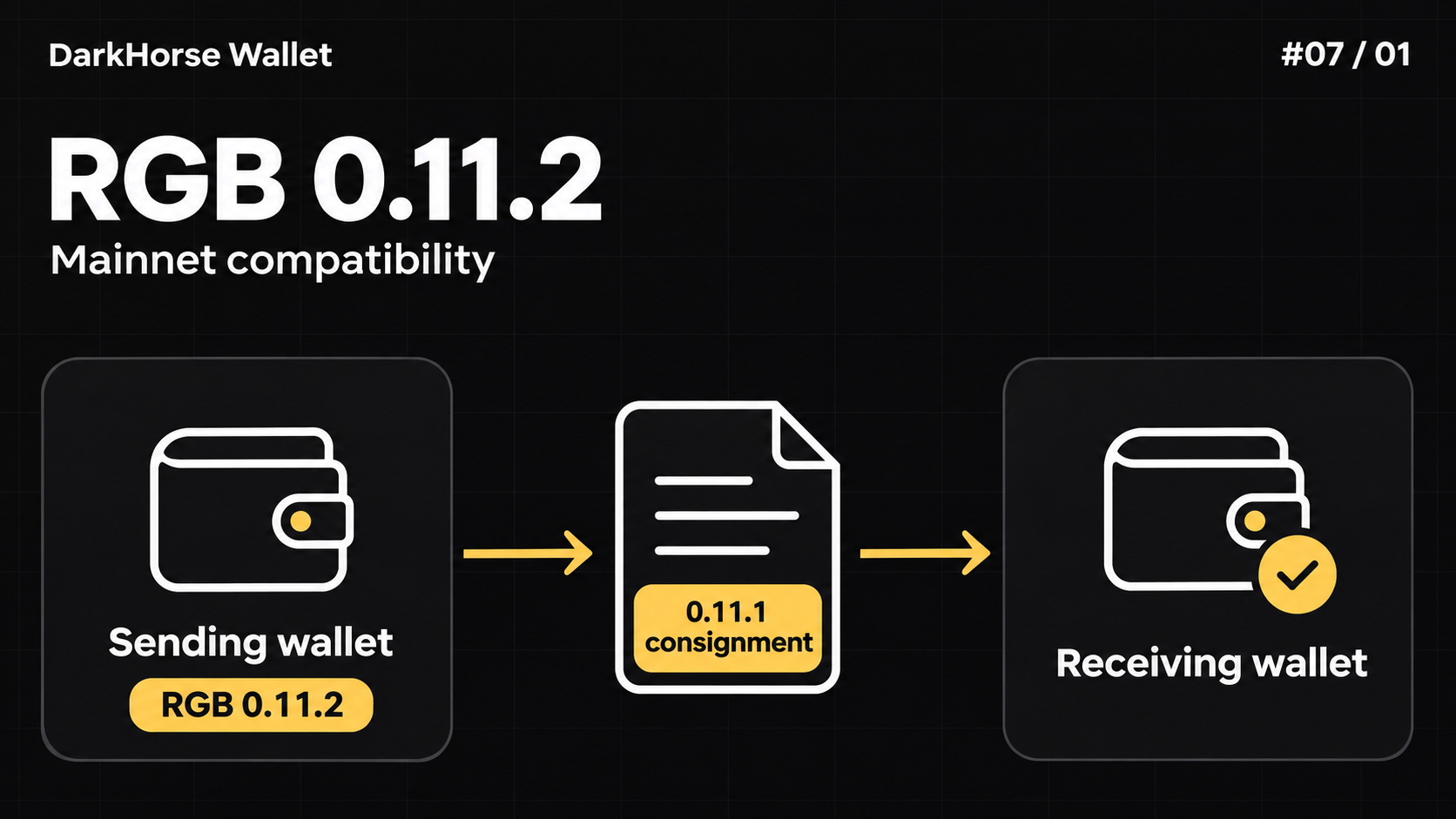
The upgraded RGB engine supports BFA assets and can read both generations of RGB consignments. A consignment carries the data a receiving wallet uses to verify an RGB transfer.
Existing wallets can migrate their local data to the new engine. Backups created with earlier versions can also be restored in v1.3.0.
A Common Format for Mainnet Transfers
Although the wallet now runs RGB 0.11.2, it sends mainnet transfers using the RGB 0.11.1 consignment format for compatibility with other wallets. On testnet, developers can switch formats to test transfers between different wallet implementations.
This release also fixes a BIP-322 signing compatibility issue that caused sign-in errors on some websites.
2. A Clearer Asset List and Simpler Transfers
Portfolio Value in USD and Verified USDT at the Top
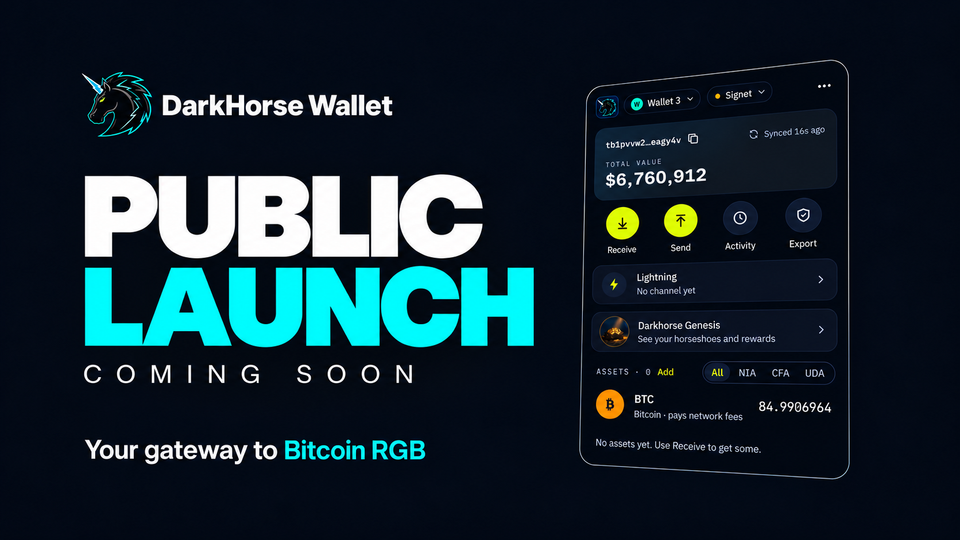
The home screen now shows your estimated portfolio value in US dollars. Expand the total to see the asset breakdown.
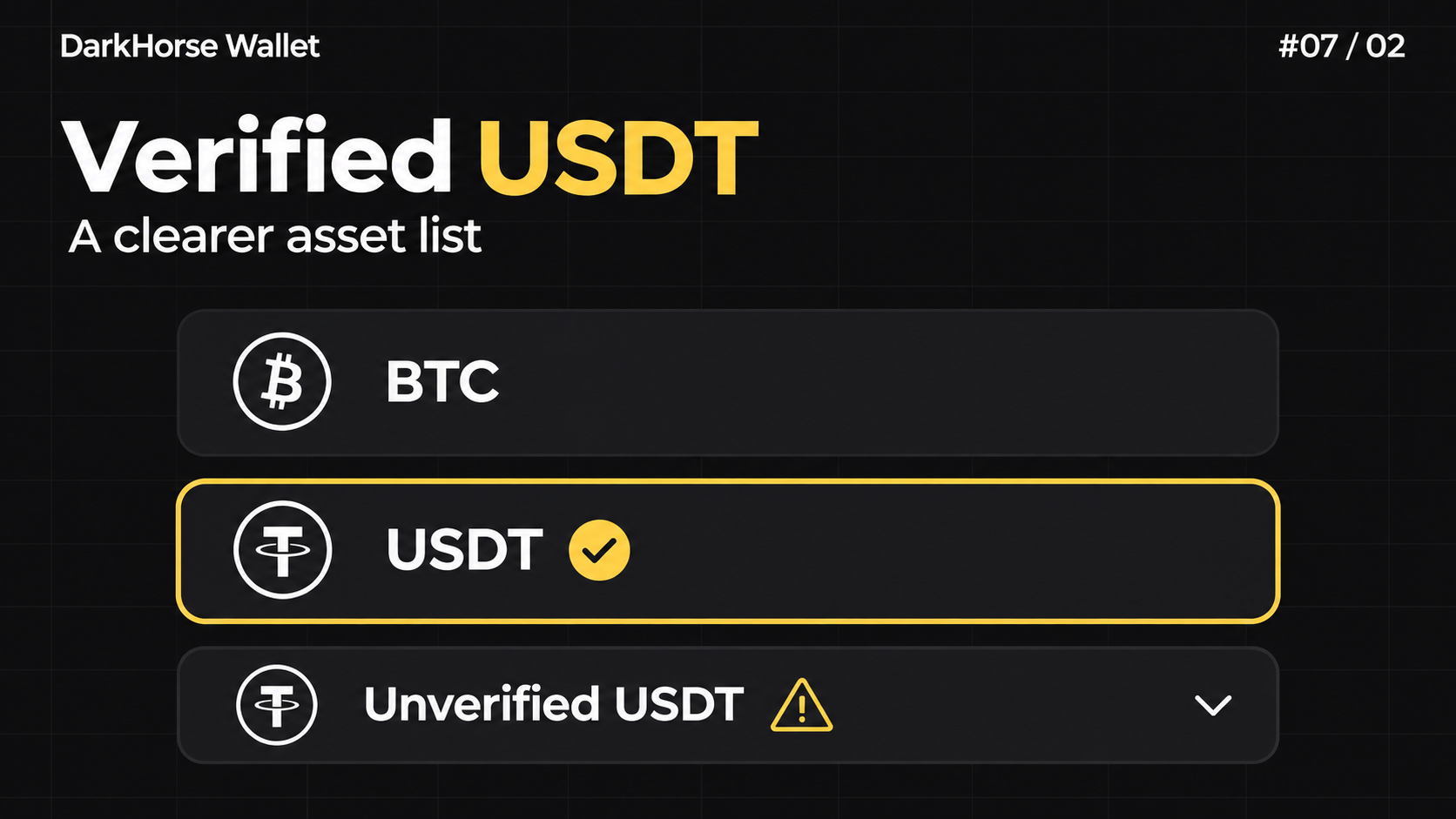
Bitcoin and verified USDT appear at the top of the asset list. Unverified assets that also use the USDT name are grouped in a separate, collapsed section with a warning. Testnet Bitcoin has its own icon to make the active network easier to recognize.
Choose the Asset Before Entering the Recipient
The send screen now starts with asset selection. Once you choose what to send, you can enter the recipient’s address or invoice. If someone sends you a screenshot of a payment request, you can load the image and read its QR code directly in the extension.
We also fixed an intermittent blank screen that could appear when reopening the send page after several transfers in a row.
Reopen an Unpaid Invoice from History
The receive screen now shows RGB allocation slot details separately from network fees. If an RGB transfer runs into a problem, the wallet identifies the type of issue and suggests a recovery step.
You can reopen an unpaid invoice directly from transaction history. Bitcoin history now includes all incoming and outgoing records recognized by the upgraded engine and automatically removes duplicates. Copy confirmations are consistent across the extension, and several layout issues on narrow screens have been fixed.
3. More Control Over Pending RGB Transfers
Cancel a Pending Receive Request
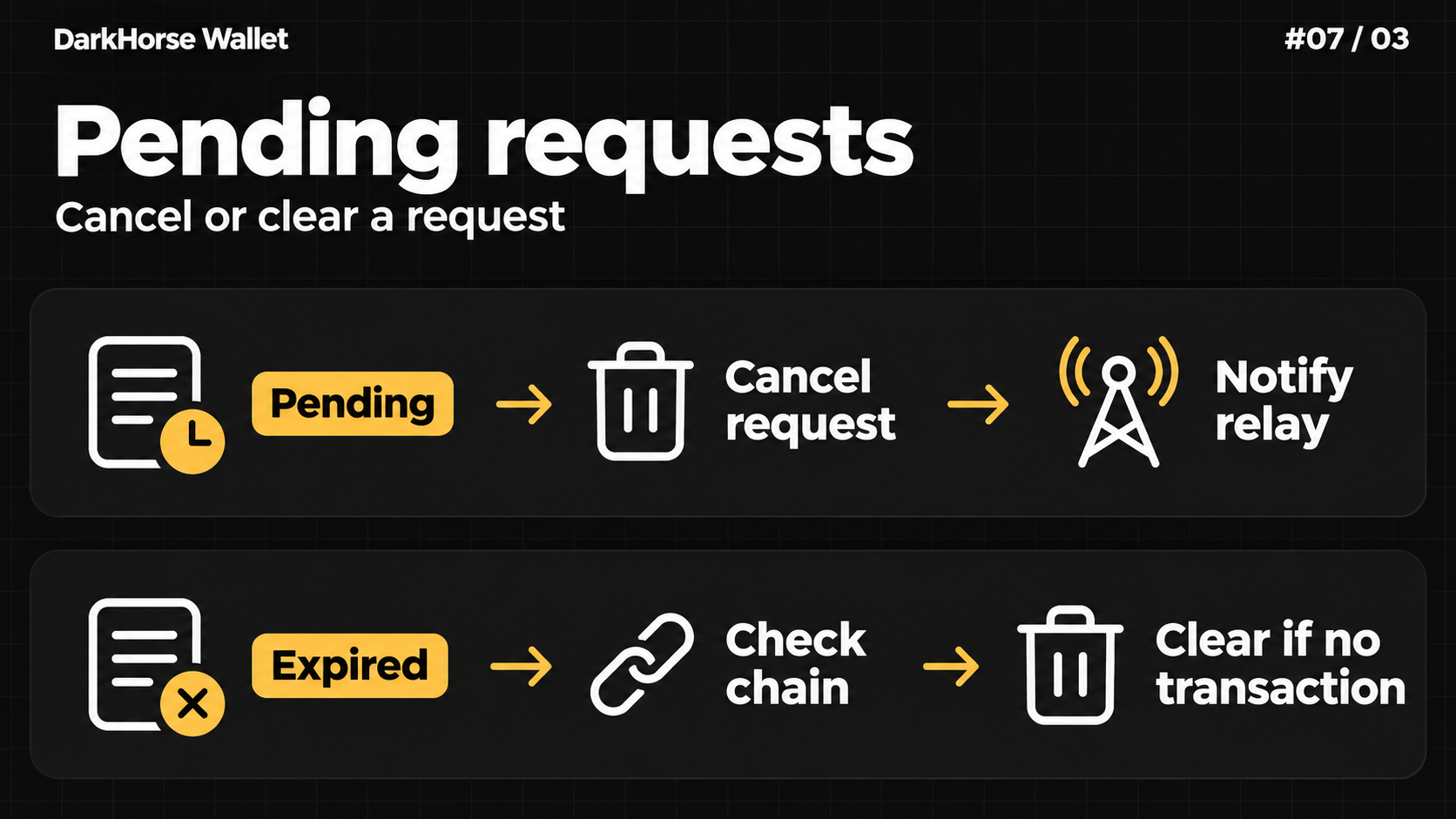
Before you cancel a pending RGB receive request, the wallet explains how cancellation affects the transfer. Once you confirm, it sends a rejection notice to the relay. If delivery fails, the wallet retries in the background so the sender’s wallet can release the assets sooner.
Clear an Expired Request After Verification
An expired receive request could sometimes remain marked as pending. You can now check it from transaction history. Once the wallet verifies that the request has expired and finds no corresponding on-chain transaction, you can clear the stale entry manually.
Edit a Draft Without Creating a Failed Transaction
Changing the send form or discarding a draft no longer creates a failed transaction in history. When an RGB transfer needs a network fee, the wallet can use ordinary BTC to pay it while automatically avoiding protected transaction outputs.
4. Safer Key Export and Cloud Backup Recovery
Export with a Single Password Check
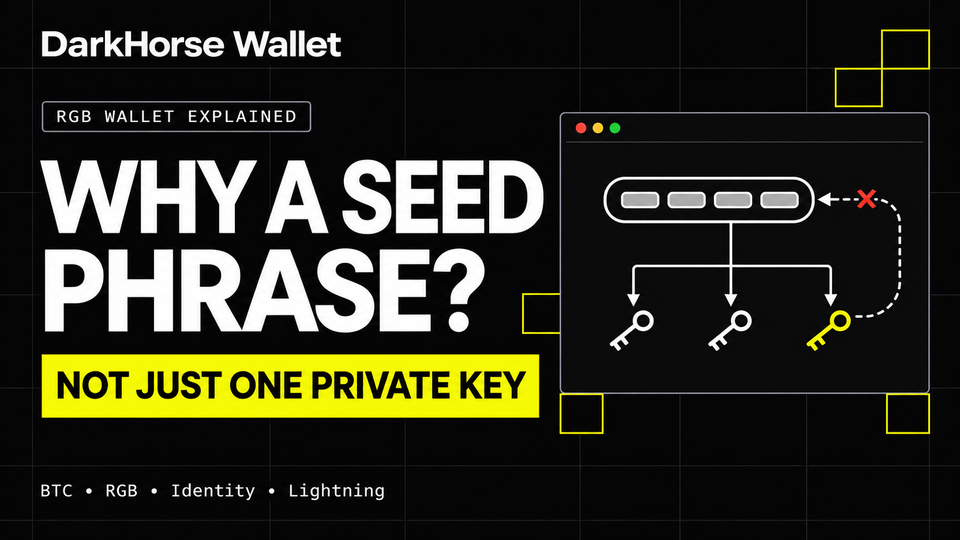
Exporting a recovery phrase or private key now requires a single password check. The value is masked by default, and you can copy it while it remains masked. Switching pages, locking the wallet, or closing the popup clears the plaintext from the export view.
Compare Backup Sizes Before Overwriting or Restoring
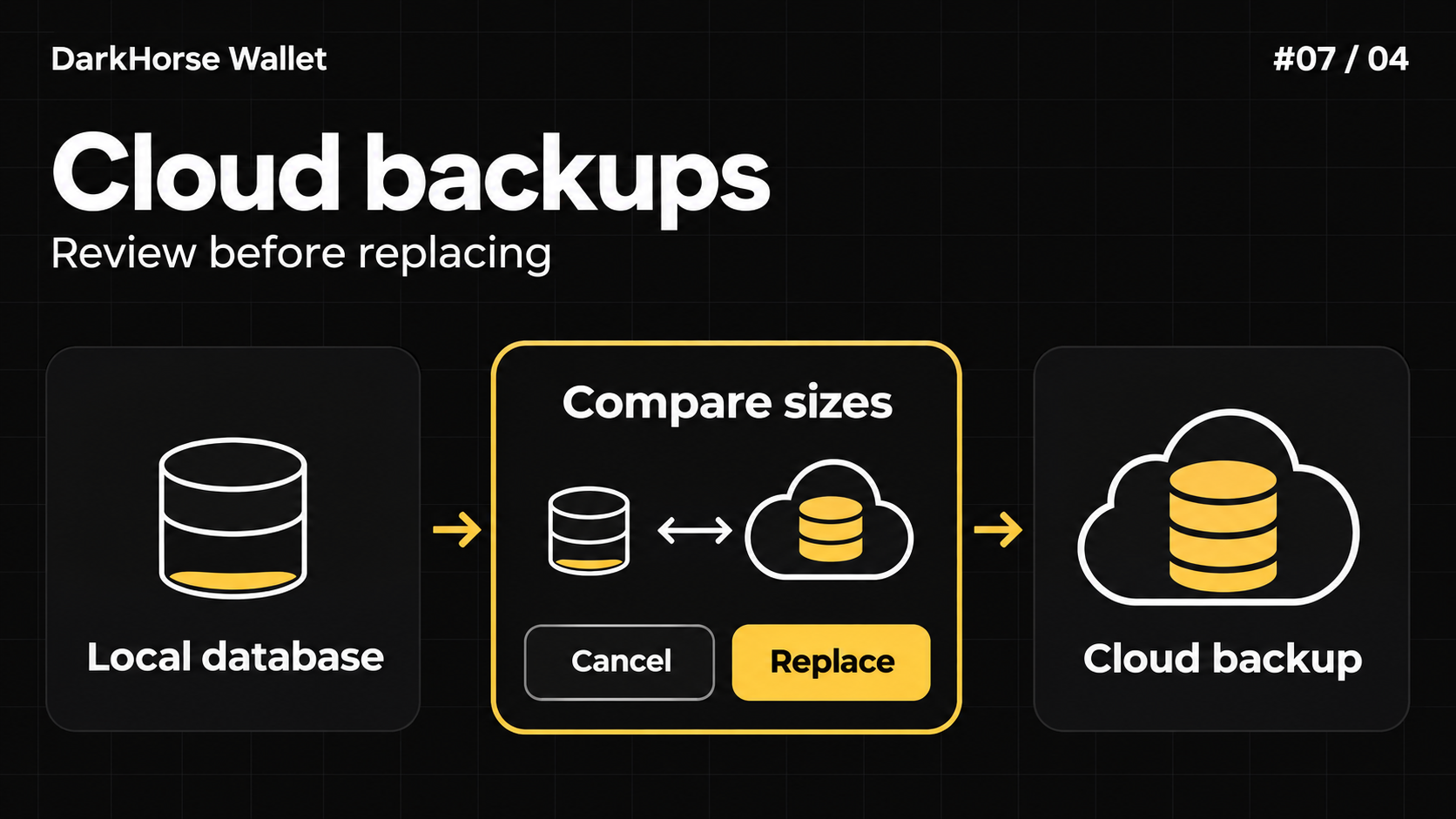
An empty wallet database, or one that has shrunk unexpectedly, can no longer silently overwrite a cloud backup. The overwrite confirmation shows the size difference before you decide whether to proceed. The restore list also displays backup sizes to help you choose a recovery copy.
For users who manage multiple wallets, Delete Wallet now applies only to the wallet selected in Settings. Other saved wallets retain their data and cloud backup settings.
Pre-Submission Security Review
The team completed a full security review before submission and addressed 11 high-risk issues. The fixes include protecting outputs that hold inscriptions or Runes from being spent accidentally in peer-to-peer trades, blocking unencrypted relay connections, improving impersonation detection, blocking unsafe SVG content, and tightening internal permissions.